
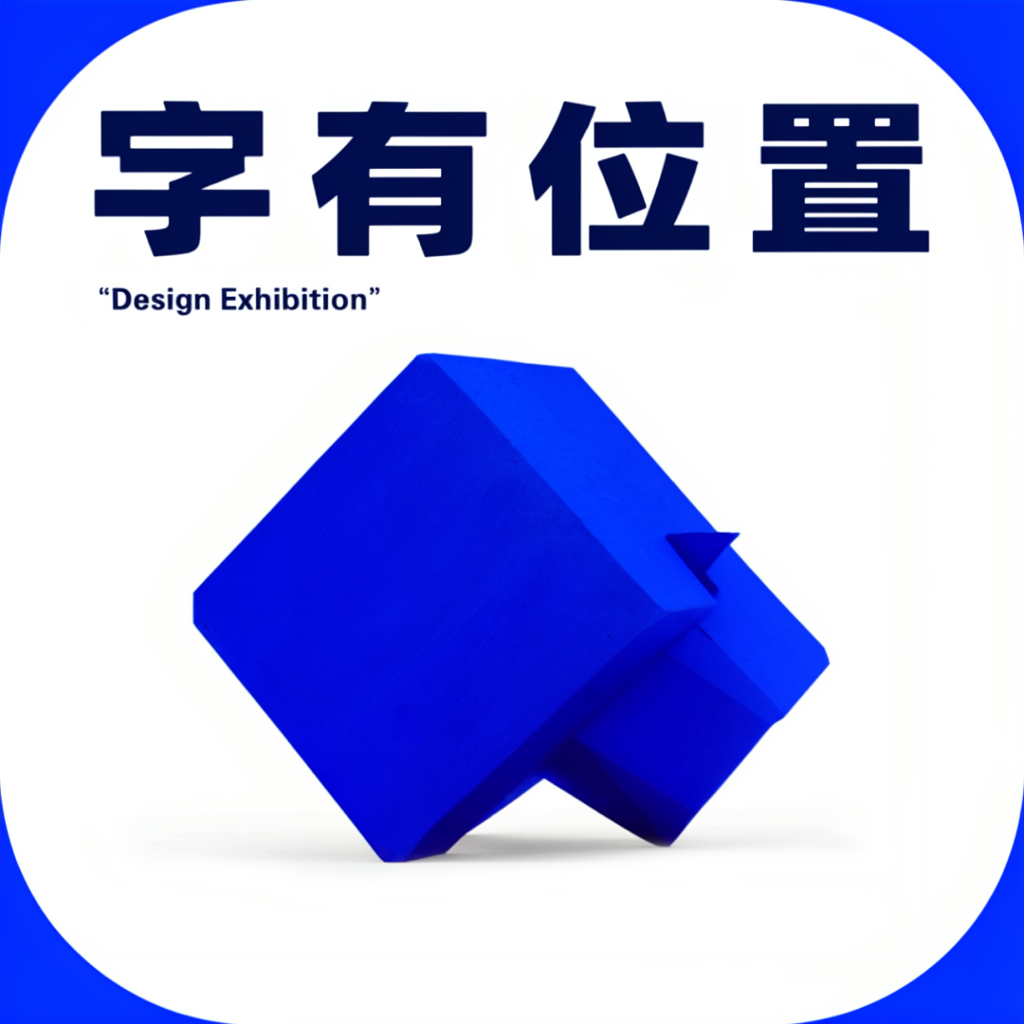
Type in place
Chinese headline with a generous space for a sculptural subject.
The four Chinese characters rendered correctly; the model added an unrequested English line.
Use this layoutFree tool · runs in your browser
Draw where each line of text and each object should go. The editor writes the bounding-box JSON MOSS-Image expects — centered pixel coordinates in yxyx order — so you never compute a box by hand.
Drag text and objects into place, then send the layout to the generator. The canvas previews your input, not the output.
Your draft stays in this browser. No account or upload needed.
Original Base outputs from our inputs in the official Space. Inspect each prompt and generation record, then edit the layout yourself.
Chinese headline with a generous space for a sculptural subject.
The four Chinese characters rendered correctly; the model added an unrequested English line.
Use this layout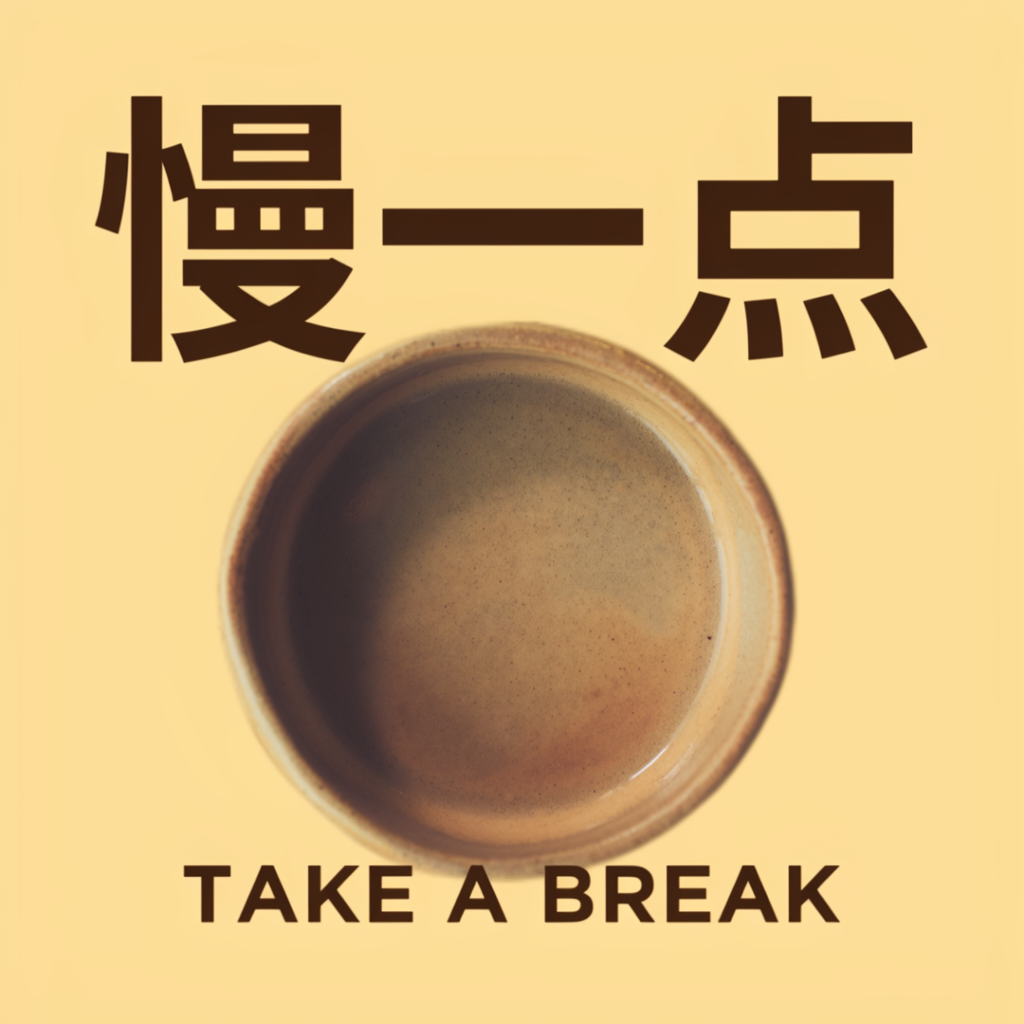
A café poster with a headline, central product and a small English line.
Both requested lines are readable. The Chinese title extends beyond the requested box height; placement is approximate.
Use this layout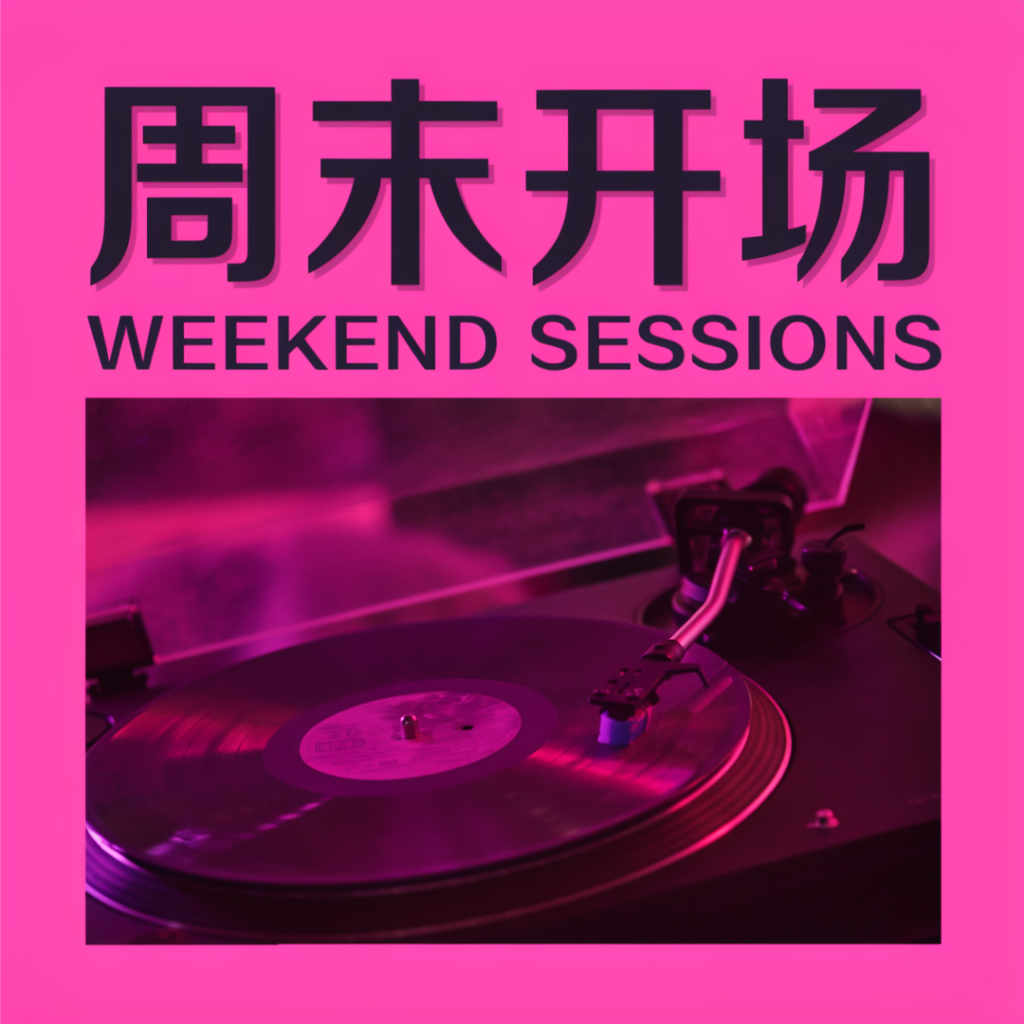
An event announcement with a bold title and a wide image area.
Both requested headlines are readable. The model reinterpreted text height and styling; the input boxes are not hard boundaries.
Use this layoutAll three samples use Base, 1024 × 1024, 50 steps, seed 42, CFG 3 and shift 5. They are unretouched single runs, not an accuracy benchmark. The editor shows the requested layout, not the output pixels.
Yes. Editing, saving drafts and exporting JSON are free and need no account; drafts are stored only in your browser. Generating an image on this site uses credits.
Boxes are strong guidance, not hard walls. In our tests text landed close to its box but sometimes ran taller; OpenMOSS describes layout control as experimental. Keep text boxes generous and avoid overlapping text.
Yes. Paste it into the positive prompt with the prompt enhancer turned off and set the same width and height as the editor canvas. ComfyUI also has its own MOSS-Image Layout Prompt node for drawing boxes.